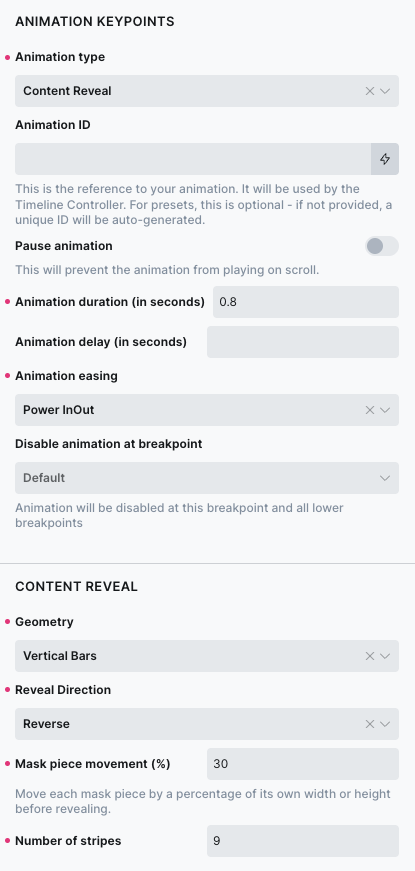
Content Reveal
Content Reveal allows you to reveal virtually any Bricks content using an animated SVG mask.
Unlike effects that animate the target element itself, Content Reveal places a mask over the content and progressively uncovers it using a collection of geometric mask pieces.
You can use it with headings, text, images, containers, sections, and other Bricks elements.
How it works?
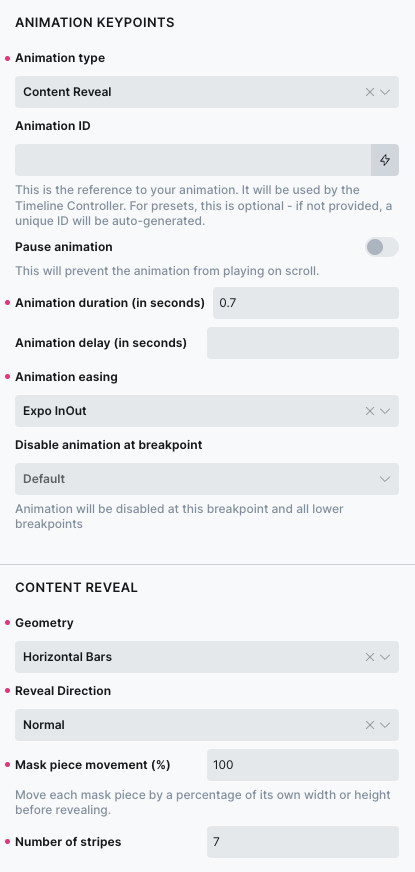
Content Reveal creates an SVG mask containing a set of geometric pieces. During the animation, these pieces are moved and resized to uncover the content underneath. Currently you can choose between:
- Vertical Bars
- Horizontal Bars
- Grid
The number and arrangement of the mask pieces determine the character of the reveal.
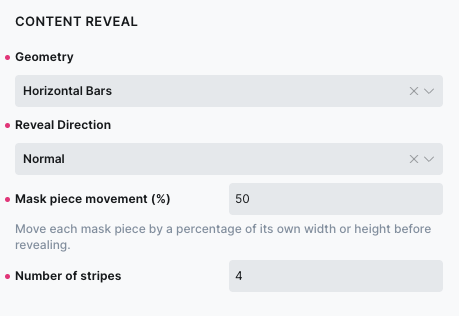
Geometry
The Geometry setting determines how the mask is divided
Vertical Bars
Vertical Bars divide the mask into vertical pieces arranged from left to right.
The stripes are ordered from left to right and can be revealed in Normal or Reverse direction.
The minimum number of stripes is 1.
Using a single stripe creates a seamless wipe-style reveal.
Horizontal Bars
Horizontal Bars divide the mask into horizontal pieces arranged from top to bottom.
The stripes are ordered from top to bottom and can be revealed in Normal or Reverse direction.
The minimum number of stripes is 1.
Using a single stripe creates a seamless vertical wipe-style reveal.
Grid
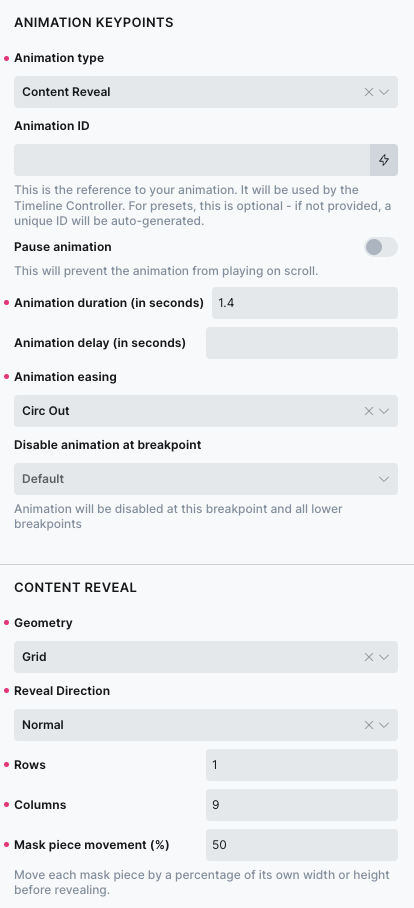
Grid divides the mask into rows and columns.
For example: 4 × 4 creates 16 individual mask tiles.
The Grid geometry can also be used with a single row or a single column.
For example: 1 × 9 creates nine vertical cells.
Unlike Vertical Bars, these cells reveal by scaling vertically, producing a distinctly different effect.
Likewise: 9 × 1 creates nine horizontal cells that reveal by scaling horizontally.
This allows the Grid geometry to produce one-dimensional cell-based reveals without turning into the Vertical or Horizontal Bars geometry.
Reveal Direction
The Reveal Direction determines the order in which the mask pieces are animated.
Normal
Mask pieces are animated in their natural spatial order.
For Vertical Bars, this means: left → right
For Horizontal Bars: top → bottom
For Grid, the cells use their row-major order.
Reverse
Reverse plays the same mask pieces in the opposite order.
For example, Vertical Bars become: right → left while Horizontal Bars become: bottom → top
Center
Center uses the existing mask-piece collection and starts the stagger from its center.
For Grid, the current behavior is based on the flattened row-major target order.
Number of stripes
The Number of stripes setting controls how many pieces are created by the Vertical Bars or Horizontal Bars geometry.
The available range is: 1–100
A single stripe produces a seamless wipe-style reveal. Higher values divide the mask into progressively smaller pieces.
Rows
Rows controls the number of horizontal divisions created by the Grid geometry.
The available range is: 1–12
For example: 4 rows creates four horizontal divisions.
Columns
Columns controls the number of vertical divisions created by the Grid geometry.
The available range is: 1–12
For example: 4 columns creates four vertical divisions.
Mask Piece Movement
Mask Piece Movement controls how far each mask piece starts away from its final position.
The value is expressed as a percentage of the individual mask piece’s relevant dimension.
For example, with a value of: 50% a mask piece can start approximately half of its own width or height away from its final position, depending on the geometry.
A value of: 0% keeps the mask pieces in their final position and only animates their reveal.
Higher values create more pronounced movement as the pieces enter their final positions!
Stagger
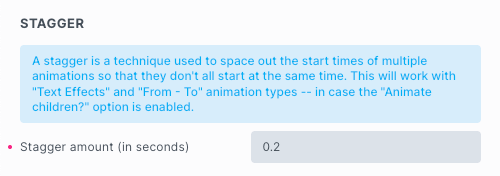
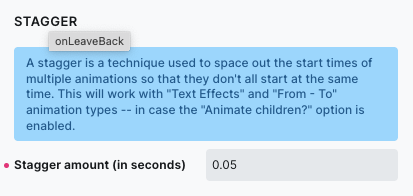
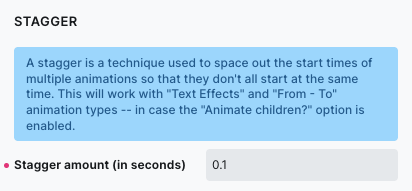
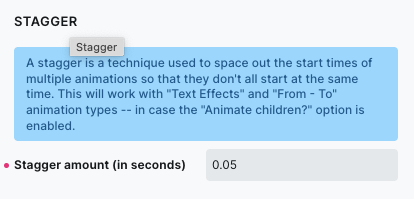
Content Reveal uses Kinekt’s existing Stagger setting to control the delay between individual mask pieces.
A small stagger creates a fast, tightly connected reveal. A larger stagger makes the individual pieces more apparent.
For example: Stagger: 0.05 creates a relatively compact reveal, while: Stagger: 0.2 creates a more pronounced sequence.
Notes
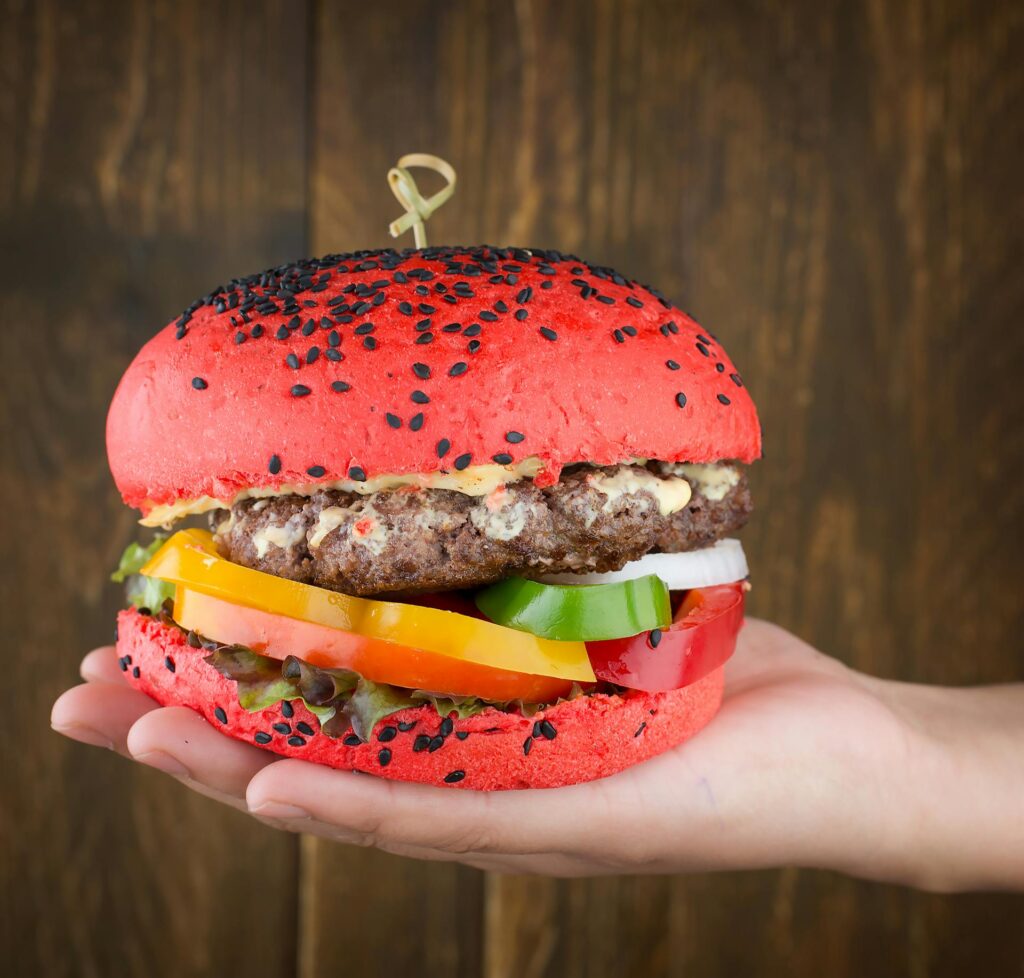
Content Reveal is designed as a general-purpose masking effect rather than an image-only effect. Because the mask is applied to the content itself, the same animation can be used with:
- headings
- paragraphs
- images
- containers
- sections
- nested Bricks content
The content does not need to be specially prepared for the effect.
Example 01
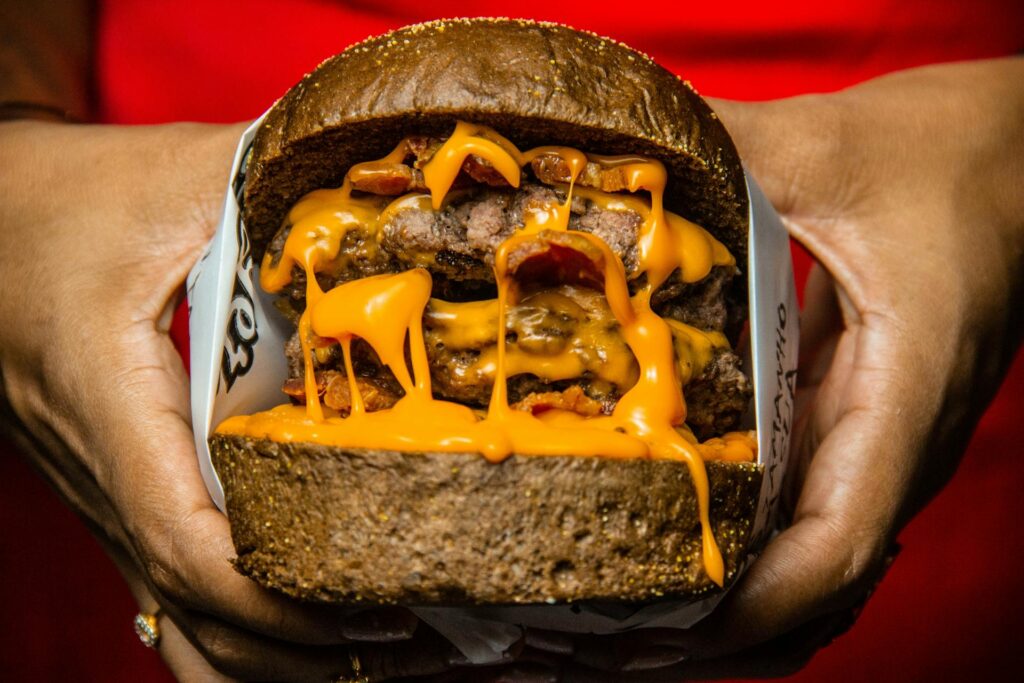
Card Heading
Example 02

Card Heading
Example 03
Card Heading